
From a folder of images to 100 scheduled pins
Five simple steps — upload, caption, organize, schedule, export. Here's the whole flow, with real product screenshots.
Upload your images
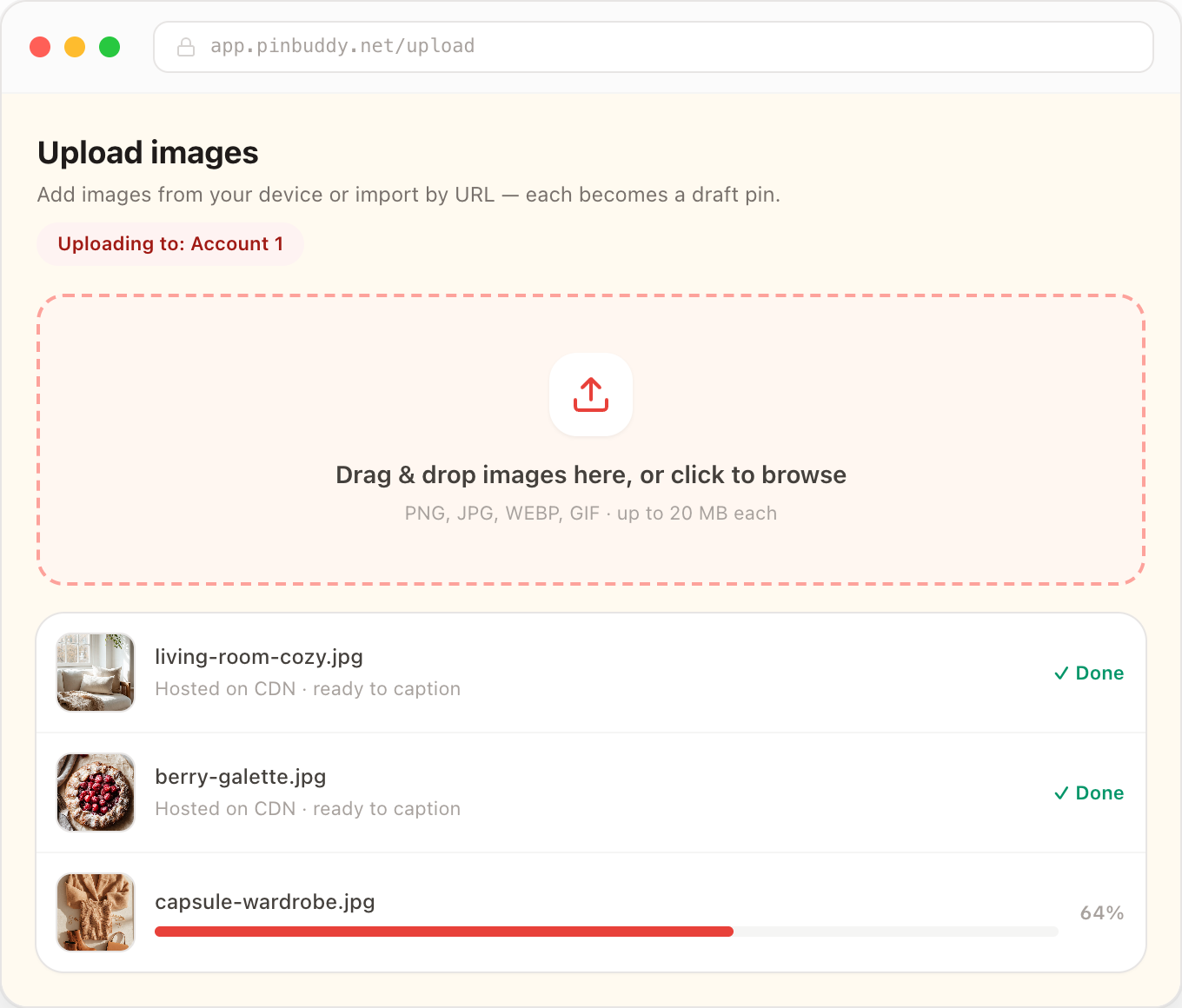
Drag in images, paste URLs, or grab them in bulk with the browser extension. Each becomes a hosted draft pin.
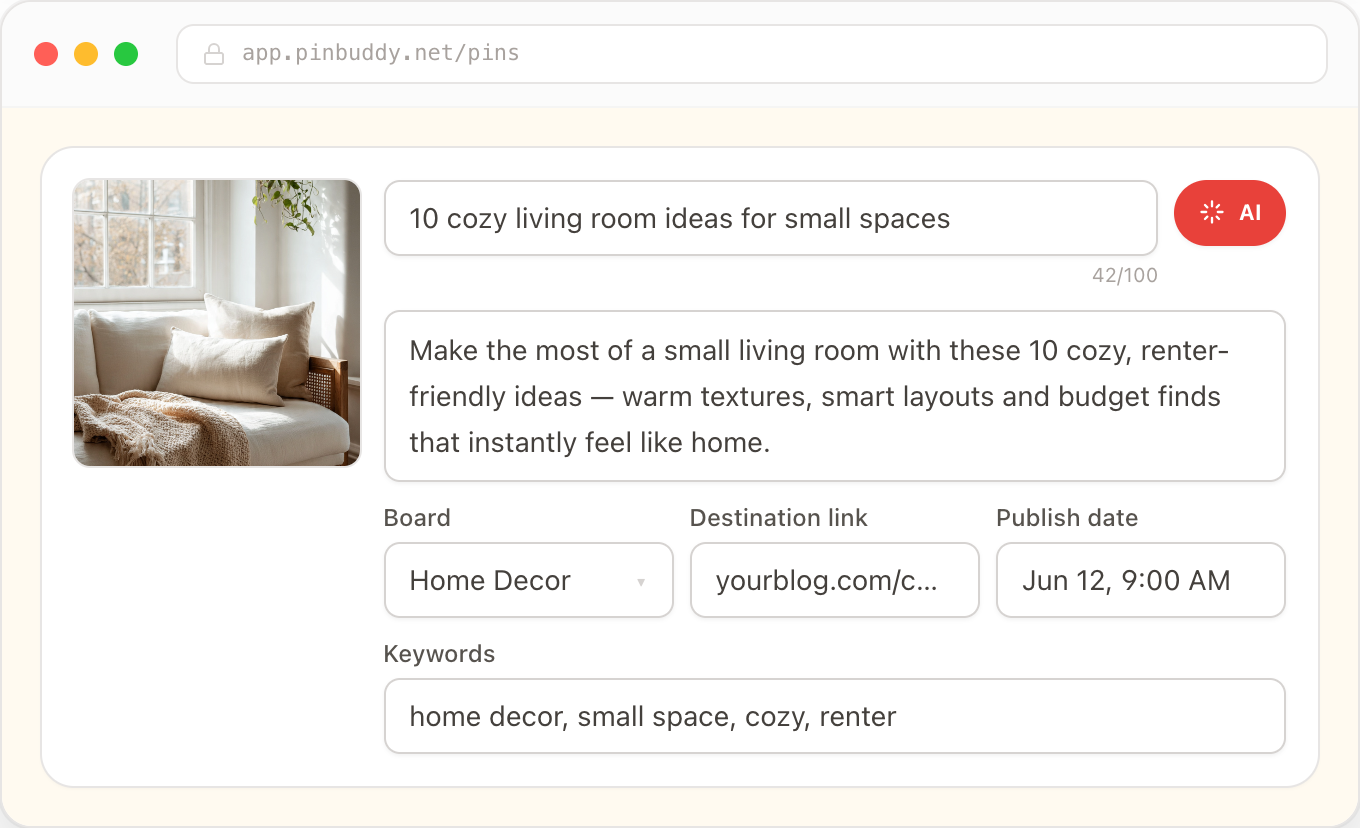
Caption with AI or your words
Generate Pinterest-optimized titles and descriptions in one click, or write your own — you stay in control.
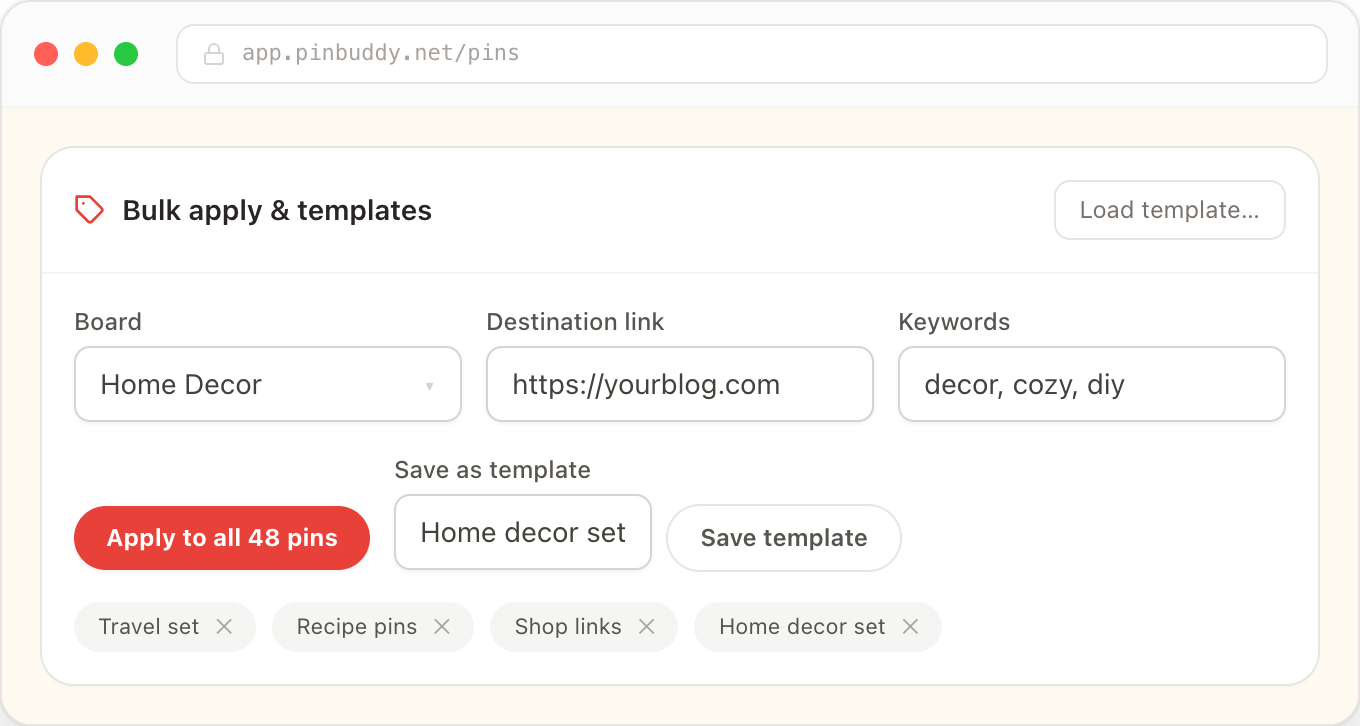
Set boards, links & keywords
Bulk-apply a board, destination link and keywords across every pin, and save reusable templates.
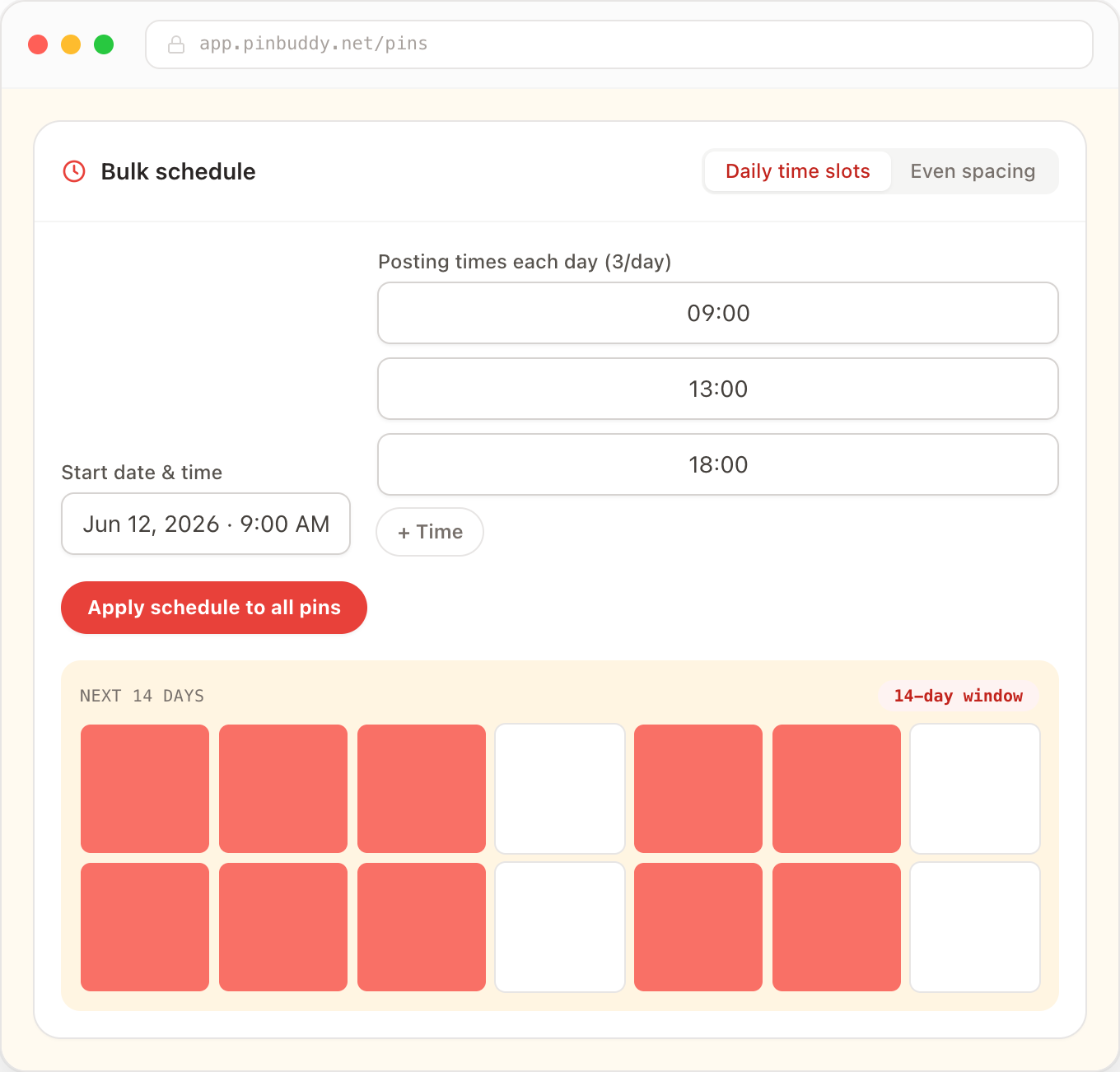
Schedule across your window
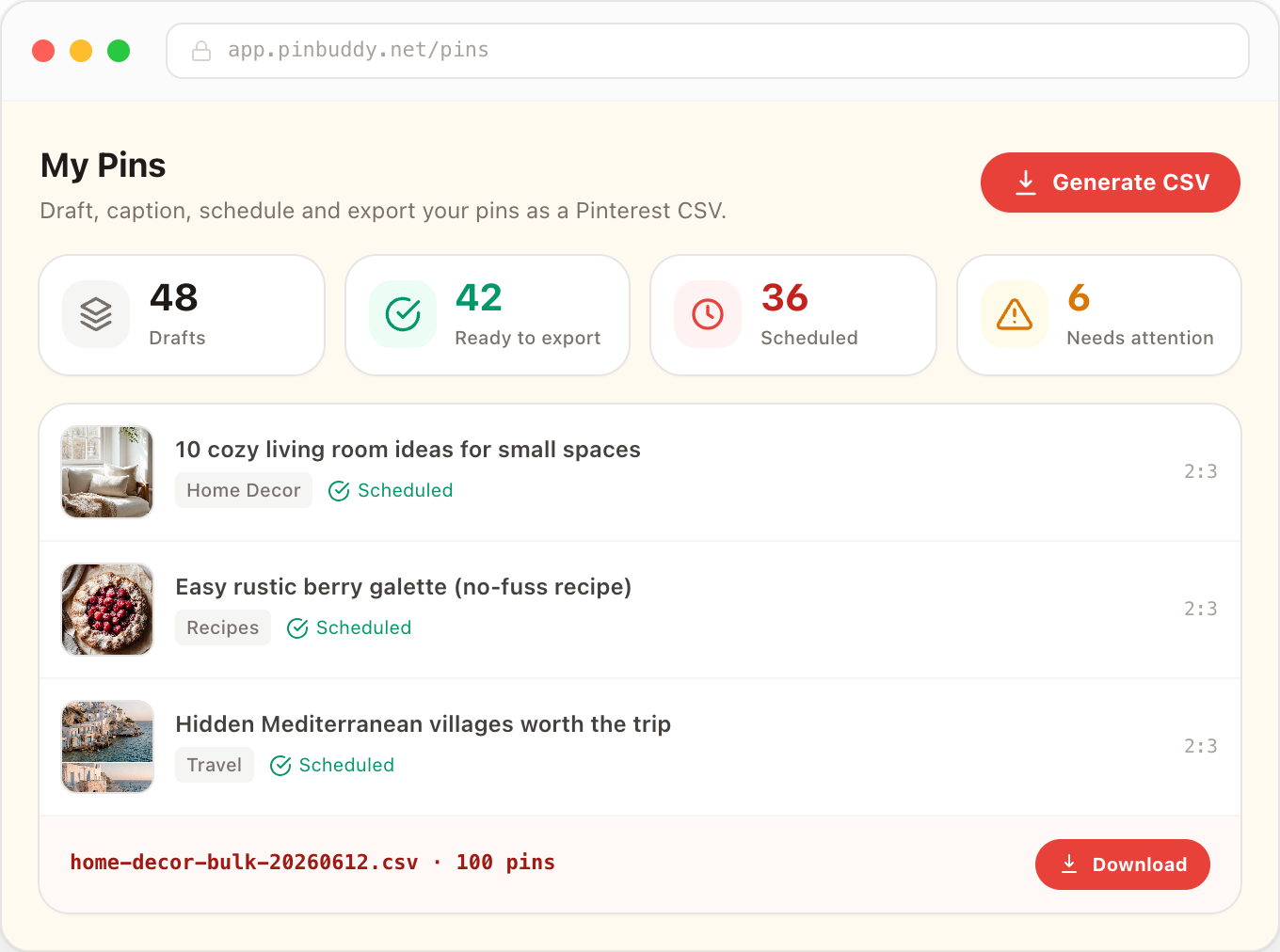
Spread pins evenly across days and times within Pinterest's 14-day window so your boards stay active.
Export & bulk-create
Download a Pinterest-ready CSV and upload it once at the Pin Builder to create up to 100 pins at a time.
Stop uploading pins one at a time
Set up your batch once — caption, schedule, export. Ship a fortnight of pins from a single CSV.
Ready to ship 100+ pins this week?
Start free — no credit card. Or pay once and own PinBuddy for life.